pryanicom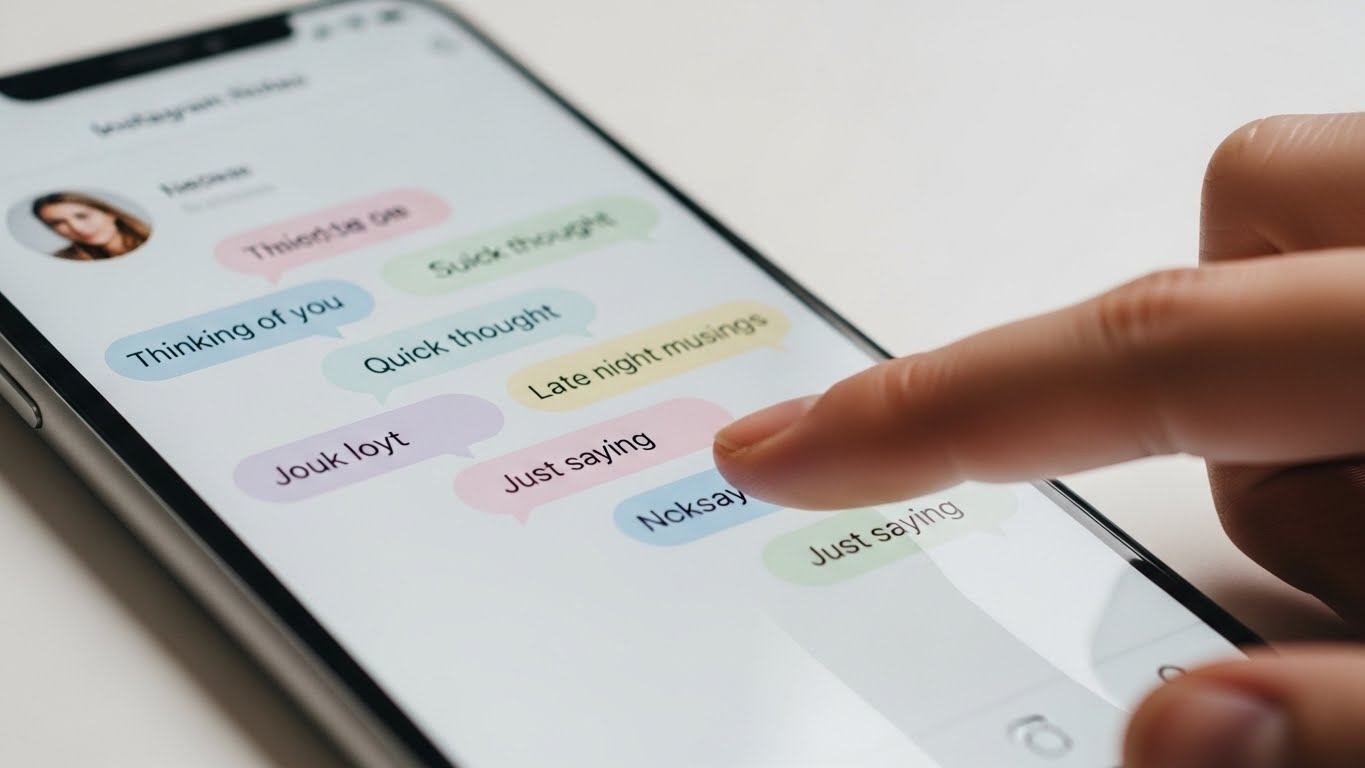
Imagine a communication channel that cuts through the noise, yet never demands attention. A fleeting thought, a quick update, delivered directly to your closest connections without a single notification ping. This isn’t a futuristic concept; it’s the understated power of Instagram Notes, a feature that has quietly redefined how we share brief, personal updates on the platform.
At its core, Instagram Notes offers a deceptively simple premise: a concise, 60-character message living at the very top of your followers’ direct message inbox for a full 24 hours. Think of it as a digital sticky note, a fleeting thought bubble appearing where your audience is already looking. Unlike a traditional message, it doesn’t trigger a notification, making it a low-pressure, high-visibility broadcast. Replies seamlessly transition into a private direct message thread, fostering genuine, one-on-one engagement.

This unique communication tool didn’t just appear overnight. Instagram began testing Notes in July 2022, quietly rolling it out to select users before its global launch in December 2022. From its inception, the intent was clear: to provide a more subtle, less demanding avenue for expression than the often-performative main feed or the immersive nature of Stories. It was designed for those fleeting thoughts, the quick “what’s up?” or “listening to this” moments that didn’t warrant a full post.
What truly sets Notes apart from its platform siblings? It’s less intrusive than a Story, which demands a tap and can feel like a mini-production. It’s also far more subtle than a direct message, implying a direct conversation. Notes occupy a distinct niche, serving as a non-committal announcement board. Perfect for a quick poll, a mood update, or a behind-the-scenes snippet that doesn’t quite fit anywhere else, offering a unique blend of broadcast reach and personal touch without the pressure.

Crafting Impactful Instagram Notes: A Strategic Blueprint
Instagram Notes, a deceptively simple feature, offers a potent channel for direct, yet unobtrusive, communication. Mastering its creation and understanding its strategic applications can significantly amplify your reach and engagement, whether you’re a brand or an individual. This subtle communication tool, a distinct offering from the platform’s more overt features like Stories or direct messages, provides a fresh avenue for connection. It’s about delivering concise messages that resonate without demanding immediate attention, fostering a more organic interaction with your audience.
Creating Your First Note
The process of publishing an Instagram Note is remarkably straightforward, designed for quick dissemination. To begin, navigate to your direct messages inbox – that familiar paper airplane icon. At the very top, you’ll spot your profile picture with a small plus sign, often accompanied by the prompt “Leave a Note.” Tapping this opens a composition window. Here, you have a tight 60-character canvas to articulate your message. This brevity forces clarity, a hallmark of effective communication. Once your thought is penned, you’ll choose your audience: either your “Followers you follow back” or “Close Friends.” This granular control ensures your message reaches the intended eyes without over-broadcasting. A final tap on “Share” sends your Note live, where it will reside at the top of your chosen audience’s inbox for 24 hours.

Strategic Uses for Notes
Beyond casual musings, Instagram Notes present a versatile toolkit for both personal expression and robust business communication. For brands, consider Notes as a low-friction broadcast channel. Imagine a flash sale announcement: “24-hr sale on all accessories! Don’t miss out!” Or a quick update on a new product launch: “New collection dropping tomorrow, 10 AM PST!” Service-oriented businesses can leverage them for customer service updates (“Support lines open until 8 PM tonight!”) or to share helpful tips. Individuals can use them to share mood updates, quick questions, or even to subtly promote a personal project or a link in their bio. The beauty lies in its non-intrusive nature; it’s there for those who look, not forced upon everyone.
Here’s a quick comparison of how Notes stack up against other communication methods:

| Feature | Instagram Notes | Instagram Stories | Direct Messages (DMs) |
|---|---|---|---|
| Visibility | Top of inbox, 24 hours | Top of feed, 24 hours | Private, one-to-one or group chat |
| Content Limit | 60 characters | Photos/videos, text, stickers, polls | Unlimited text, media, voice notes |
| Notifications | None (passive visibility) | Push notifications (optional for some accounts) | Push notifications (active communication) |
| Commitment | Very low (quick read) | Medium (tap through, watch) | High (active conversation) |
| Reply Method | Replies become DMs | Replies become DMs | Direct, ongoing conversation |
| Best For | Quick announcements, subtle updates, thought-sharing | Engaging visual content, interactive polls, behind-the-scenes | Personal conversations, customer support, detailed discussions |
The Unrivaled Advantages
The true power of Instagram Notes lies in its unique blend of attributes. Firstly, it offers a low-commitment, high-visibility method for broadcasting messages. Unlike a Story that demands a tap-through, a Note is instantly readable at the top of the inbox. This prime real estate ensures your message is seen by those who open their DMs, without requiring them to actively seek it out. Secondly, and crucially, Notes deliver messages without triggering push notifications. This is a game-changer. In an attention-saturated environment, avoiding notification fatigue is paramount. Your audience discovers your Note organically, making the interaction feel less like an interruption and more like a discovery. This passive yet prominent placement ensures your message is absorbed by an engaged audience, fostering a more authentic connection. It’s a whisper in a world of shouts, and sometimes, a whisper carries further.
Unlocking Notes: Answers & Optimization
Instagram Notes, a deceptively simple feature, often sparks a flurry of questions. From initial discovery to understanding their algorithmic footprint, mastering Notes means delving into the specifics. Let’s demystify these ephemeral messages and ensure you’re leveraging them to their fullest potential in 2026.

Finding Your Notes
The most frequent query revolves around simply finding Notes. They reside in a very specific, yet easily overlooked, location: your direct message (DM) inbox. Open your Instagram application, tap the paper airplane icon (or swipe left from your home feed) to access your DMs. Look right at the very top, above your list of conversations. You’ll see a row of profile pictures, including your own, with a small “+” icon or your existing Note. That’s where the magic happens.
If Notes aren’t visible, despite knowing they exist, the primary culprit is almost always an outdated application version. Instagram rolls out features incrementally, and older builds simply won’t support the latest functionalities. A quick trip to your device’s app store (Google Play Store for Android, Apple App Store for iOS) to search for Instagram and tap “Update” is the most reliable fix. This ensures you’re running the most current iteration, granting access to all available features.
Managing Your Notes
Once you’ve embraced Notes, managing them is straightforward. To remove an existing Note, simply tap on it within your DM inbox. A small pop-up will appear, offering the option to “Delete Note.” A single tap confirms its removal. This process is immediate and permanent.
It’s crucial to understand a key distinction: Notes do not offer a draft-saving capability. Unlike Stories, where you can save content to your drafts for later posting, a Note is either published or it’s gone. If you delete a Note, it vanishes instantly and cannot be recovered. This design choice reinforces their ephemeral, spontaneous nature.
Here’s a quick comparison to illustrate this permanence:
| Feature Aspect | Instagram Notes | Instagram Stories |
|---|---|---|
| Visibility Duration | 24 hours | 24 hours |
| Draft Saving | No | Yes (save to drafts) |
| Deletion Impact | Permanent, immediate | Permanent, immediate |
This means careful consideration before posting, especially for time-sensitive announcements or brand messages.
Notes and the Algorithm
The precise impact of Instagram Notes on the platform’s intricate algorithm is still a subject of ongoing observation and analysis. However, we can confidently infer their interaction based on established algorithmic principles that govern all content on Instagram.
At its core, Instagram’s algorithm prioritizes engagement. While Notes themselves don’t appear in the main feed or Explore page, the replies they generate are direct messages. DMs are among the highest-value interactions on the platform, signaling strong user interest and connection. A Note that sparks numerous DM conversations is, by extension, contributing positively to your overall engagement metrics.
Furthermore, adherence to community guidelines is paramount for Notes, just as it is for posts, Stories, and Reels. Content that violates these guidelines will be removed and can negatively impact your account’s standing. Finally, regular posting across all formats, including Notes, signals an active and engaged presence to the algorithm. While a single Note won’t magically boost your reach, consistent, thoughtful use can contribute to a holistic engagement strategy.
“Notes, while subtle, are powerful conversation starters. The algorithm values genuine interaction, and every DM reply ignited by a Note feeds that engagement signal, subtly enhancing your profile’s perceived value.”
Think of Notes as a low-friction way to initiate high-value conversations. They’re not about direct algorithmic reach, but about fostering the kind of intimate, one-on-one engagement that Instagram’s system increasingly rewards. By understanding these nuances, you can transform a simple 60-character message into a potent tool for connection and subtle algorithmic influence.
FAQ
Can specific users be prevented from seeing notes?
Yes, blocking a user prevents them from seeing your notes.
Can notes include links or hashtags?
Notes support text, emojis. Links, hashtags are not clickable.
Can note views be tracked?
No, Instagram Notes do not provide view counts.
Can specific accounts' notes be muted?
Yes, long-press a note, then choose 'Mute Notes.'