pryanicom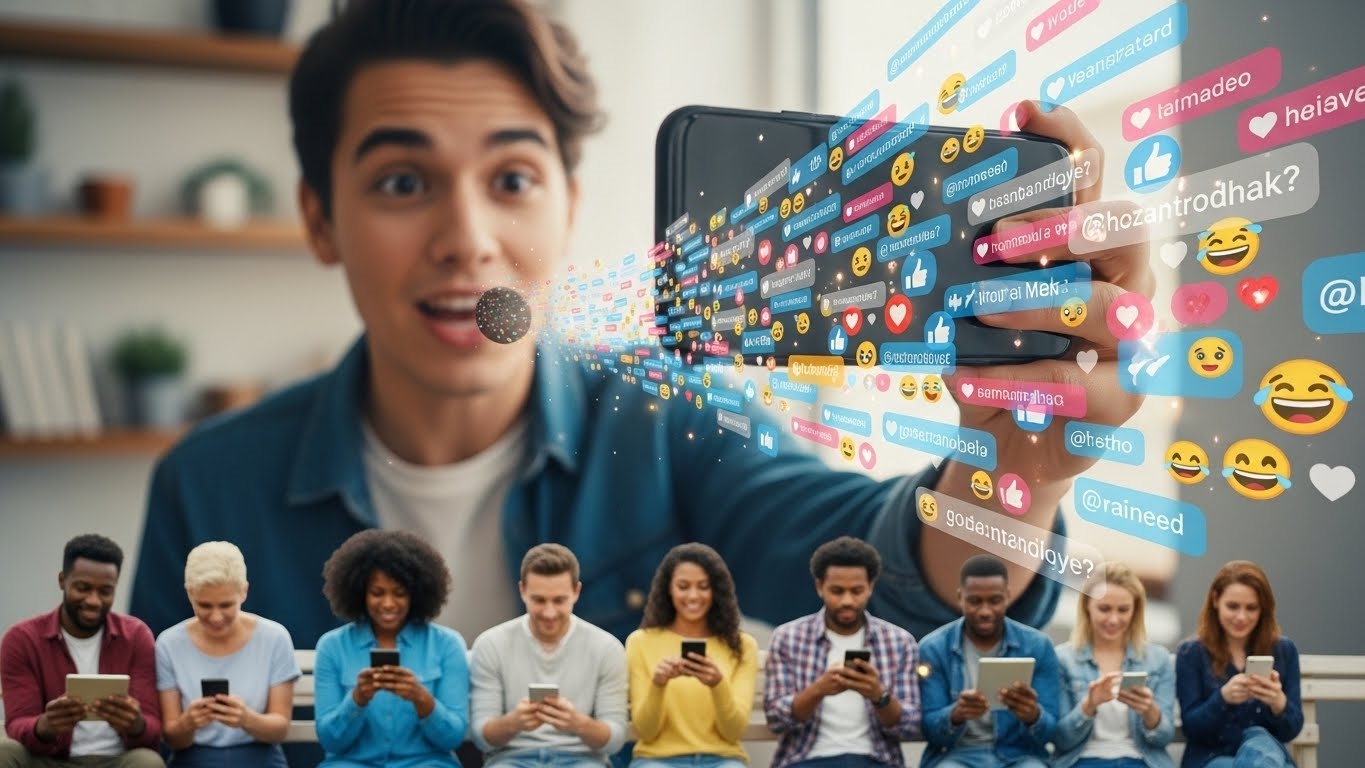
Imagine a direct line to your audience, unmediated by algorithms, pulsing with real-time energy. That’s the raw, captivating power of Instagram Live. It’s not just another feature; it’s a dynamic stage for immediate, authentic connection, cutting through the usual content noise to deliver your message with unparalleled immediacy.
What Instagram Live Is and Its Value
Instagram Live stands as a real-time broadcast conduit, strategically positioned alongside Stories, offering a direct, unfiltered channel to your audience. This placement is crucial, as it allows your content to bypass the typical algorithmic filtering, ensuring your message reaches viewers directly and instantly. Its popularity among internet users underscores its value as a powerful tool for capturing attention and fostering genuine interaction.
Step-by-Step Guide to Going Live on Instagram
Initiating a broadcast is remarkably intuitive. From your mobile device—a critical consideration as Live is primarily a mobile-first experience—simply tap the ‘+’ icon, select ‘Live’ from the creation options, and then tap the circular button to begin your stream. It’s designed for swift, spontaneous connection.
Enhancing Your Instagram Live Broadcast
Once live, a suite of interactive features transforms your broadcast into a dynamic conversation. You can collect questions from viewers, send the live video directly to specific users, and invite guests to co-host, instantly expanding your reach and content possibilities. Experiment with face filters, switch camera views for varied perspectives, share media from your device, and actively manage comments to maintain a positive and engaging environment.
Leveraging Instagram Live Rooms for Expanded Reach
For amplified exposure and collaborative content, Instagram Live Rooms, introduced in March 2021, are a game-changer. This feature allows up to four participants to broadcast simultaneously, transforming a solo stream into a vibrant panel discussion, a multi-person Q&A, or even interactive games. Live Rooms significantly boost visibility by notifying followers of all participants, creating unique opportunities for cross-promotion and diverse content formats.
Mastering Live: Strategy, Engagement, Metrics
To truly harness the power of real-time broadcasting, a haphazard approach simply won’t cut it. Instagram Live, with its immediate, unfiltered connection to an audience, demands a strategic mindset from conception to post-broadcast analysis. This isn’t just about pressing “Go Live”; it’s about crafting an experience that resonates, drives action, and provides measurable value.
The core appeal of Instagram Live lies in its ability to offer a direct, unfiltered channel to connect with audiences, bypassing traditional algorithmic gatekeepers. Mastering its features, from initial setup to advanced engagement tactics, is crucial for brands and creators aiming to build authentic relationships and extend their reach. Success hinges on meticulous planning, dynamic interaction, and a keen eye on performance data.
Top 3 Tips for Effective Live Streams
Elevating your Instagram Live content beyond casual chats requires a deliberate framework. Here are three pillars for building impactful broadcasts.
Set S.M.A.R.T. Goals
Every successful Live stream begins with a clear objective. Without one, you’re broadcasting into the void, hoping for a positive outcome. The S.M.A.R.T. framework provides the precision needed:
- Specific: What exactly do you want to achieve? Example: “Increase sign-ups for our upcoming webinar.”
- Measurable: How will you quantify success? Example: “Achieve 100 webinar sign-ups directly from the Live stream.”
- Attainable: Is this goal realistic given your resources and audience? Example: “Based on previous Live performance, 100 sign-ups is ambitious but feasible.”
- Relevant: Does this align with your broader marketing objectives? Example: “This supports our Q3 lead generation targets.”
- Time-bound: When will this goal be achieved? Example: “By the end of the 30-minute broadcast.”
Defining these parameters ensures your efforts are focused and, crucially, trackable.
Plan Your Content Flow
Even the most spontaneous-seeming Live streams benefit from a robust plan. Think of it as a television show’s rundown: an outline ensures clarity, maintains viewer engagement, and keeps you on track.
- Introduction (2-3 min): Welcome viewers, state the topic, introduce yourself/guests.
- Main Content (15-20 min): Key discussion points, demonstrations, interviews. Break this into digestible segments.
- Q&A (5-10 min): Address audience questions, fostering direct interaction.
- Call to Action (2-3 min): Direct viewers to a specific link, product, or next step.
- Outro (1 min): Thank viewers, tease future content, sign off.
This structure prevents awkward silences, ensures all critical information is conveyed, and provides a professional polish that viewers appreciate.
Engage Your Audience Actively
The real-time nature of Instagram Live is its greatest asset for engagement. Don’t just talk at your audience; talk with them.
- Acknowledge Viewers: Call out names as people join or comment. A simple “Hey, Sarah, thanks for tuning in!” creates an immediate personal connection.
- Respond to Comments & Questions: Dedicate segments to Q&A. Use the question sticker feature pre-broadcast to gather queries, then answer them live. This shows you value their input.
- Solicit Feedback: Ask direct questions like, “What topics would you like us to cover next?” or “What’s your biggest challenge with X?” This not only boosts interaction but also provides invaluable insights for future content.
- Use Interactive Features: Polls, quizzes, and even inviting a guest to join your Live Room (a feature introduced in March 2021) can significantly boost participation.
Authentic, two-way communication transforms passive viewing into an active, shared experience.
Measuring Live Performance
The broadcast doesn’t end when you tap “End Live.” Analyzing your performance is paramount for continuous improvement. Instagram provides robust analytics to help you understand what worked and what didn’t.
| Metric | What It Tells You | Why It Matters |
|---|---|---|
| Accounts Reached | Total unique accounts that saw your Live stream. | Indicates overall visibility and potential brand awareness. |
| Peak Concurrent Viewers | The highest number of viewers watching at any single moment. | Shows the maximum real-time interest and engagement during the broadcast. |
| Comments | Total number of comments received during the stream. | Reflects audience interaction level and how engaging your content was. |
| Shares | How many times your Live stream was shared by viewers. | Measures organic reach and how compelling viewers found your content to be. |
By meticulously tracking these metrics, you can identify patterns, understand audience preferences, and refine your strategy for subsequent broadcasts. Did a particular segment lead to a spike in comments? Did a specific call to action result in more shares? This data-driven approach is the bedrock of sustained Instagram Live success.
Elevating Live Content and Control
Unlocking the full potential of Instagram Live transcends merely pressing the “Go Live” button. It demands a strategic approach to content creation and a mastery of the platform’s robust management tools. Businesses that excel here aren’t just broadcasting; they’re orchestrating dynamic, interactive experiences that forge deeper connections with their audience.
Top 3 Live Content Ideas
For businesses aiming to captivate and convert, these content strategies offer proven pathways to engagement:
Influencer Collaborations
Leveraging the “Add a guest” feature or the expanded capacity of Live Rooms allows brands to co-host sessions with relevant influencers. This isn’t just about borrowing an audience; it’s about cross-pollination. Imagine a beauty brand inviting a renowned makeup artist for a live tutorial using their new palette, or a tech company hosting a candid Q&A with a respected industry analyst. These collaborations introduce your offerings to fresh demographics, injecting credibility and expanding your reach organically. The key is authenticity – choose partners whose values align with yours for maximum impact.
Interactive Tutorials & Workshops
Educational content consistently performs well, and Live provides an unparalleled interactive classroom. Businesses can host real-time tutorials demonstrating product usage, conduct workshops on industry-specific skills, or even offer mini-classes on topics relevant to their niche. A culinary brand might stream a cooking class, while a software company could walk users through advanced features. The magic lies in the immediate feedback loop: viewers can ask questions about ingredients, steps, or functionalities as they happen, transforming passive viewing into active learning. This builds expertise and positions your brand as a valuable resource.
Engaging Q&A Sessions
Direct audience interaction is the bedrock of Live’s appeal. Dedicated Q&A sessions, especially “Ask Me Anything” (AMA) formats, are incredibly effective for building community and trust. Announce these sessions in advance across your other channels to build anticipation. Encourage followers to submit questions beforehand using the Instagram Story “Questions” sticker, which you can then pull up and answer during the broadcast. This proactive approach ensures a steady stream of relevant queries and makes viewers feel heard. It’s a direct line to your audience, allowing you to address concerns, clarify misconceptions, and share insights in a transparent, personal manner.
Managing Your Live Broadcasts
Beyond content creation, effective management ensures a smooth, controlled, and impactful live experience.
Viewing and Archiving Live Content
To stay informed and draw inspiration, you can view other live streams by tapping their profile picture when it’s highlighted with a colorful ring in your Stories tray. For your own content, Instagram automatically archives your live videos. After a broadcast concludes, you’ll have the option to share it to your Story for 24 hours or save it to your IGTV (now integrated into Instagram Video) or your device. This is crucial for extending the life of your content, allowing those who missed the live event to catch up later.
Audience Control and Interaction
Maintaining control over your live environment is paramount.
- Restricting Audience Visibility: Before going live, you can choose to hide your live stream from specific followers. This is useful for internal team broadcasts or sensitive discussions where you need a curated audience. Tap the gear icon in the top left corner of the Live screen, then select “Hide Live From” and choose accounts.
- Turning Off Comments: While interaction is generally encouraged, there are instances where disabling comments is necessary – perhaps during a highly focused presentation or if inappropriate comments become a distraction. During a live broadcast, tap the three dots at the bottom of the screen and select “Turn Off Comments.”
- Answering Questions Effectively: During a Q&A, tap the question mark icon at the bottom of the screen to view submitted questions. Select a question to display it prominently on screen for all viewers to see, then provide your answer. This structured approach ensures clarity and keeps the conversation focused.
| Feature | Purpose | How to Access (During Live) |
|---|---|---|
| Hide Live From | Limit audience visibility | Gear icon > Hide Live From |
| Turn Off Comments | Prevent audience comments | Three dots > Turn Off Comments |
| Display Questions | Highlight audience questions for answers | Question mark icon > Select question |
Mastering these management tools empowers you to create a professional, engaging, and controlled live environment, maximizing the impact of your carefully crafted content.
FAQ
What technical gear improves live quality?
External microphone, good lighting, stable internet connection enhance broadcast clarity.
How to promote a live broadcast?
Use Instagram Stories, feed posts, countdown stickers, email lists, other social channels.
Can Instagram Live generate revenue?
Yes, through Badges (introduced in 2020), affiliate links, product showcases, or exclusive content for subscribers.
How to repurpose live recordings?
Edit into short clips, create Reels, upload to feed, or use for blog content.