pryanicom
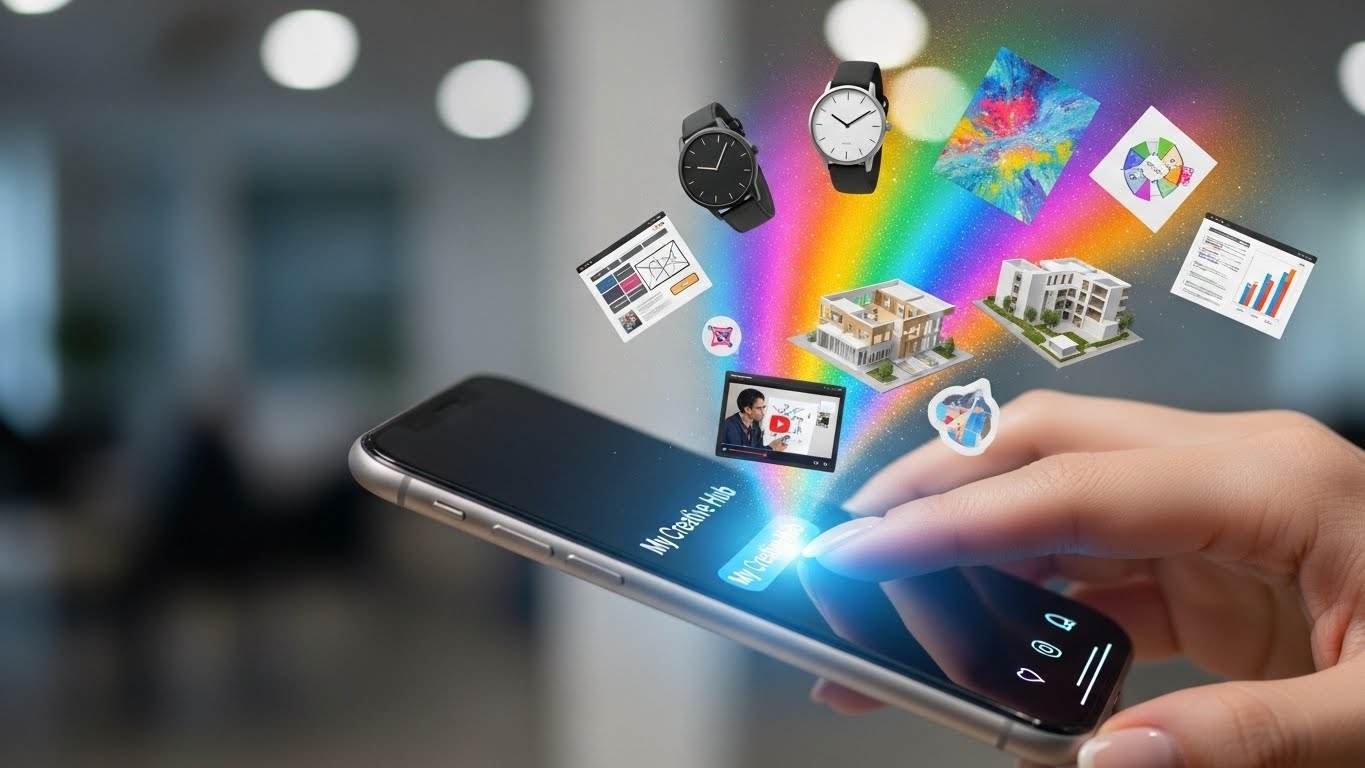
What if your Instagram presence wasn’t just a gallery of your work, but a sophisticated command center engineered to amplify your personal brand and deepen audience connections? For content producers whose very persona is their product, a standard Instagram profile simply doesn’t cut it. Enter the Instagram Creator Account: a robust toolkit meticulously designed for individuals who shape culture and influence communities. This isn’t merely an account type; it’s a strategic upgrade, purpose-built to empower those who monetize their creative output or personal brand directly through their digital footprint.
Imagine the architects of trends, the voices that resonate across millions, the artists whose craft captivates global audiences – these are the individuals for whom the Creator Account was forged. Whether you’re a burgeoning influencer, a recognized public figure, or a visionary artist, this specialized profile offers a distinct advantage. It transforms your online presence from a passive showcase into an active, analytical hub.

The core advantages for managing your online presence are profound. You gain unparalleled access to granular insights about your audience and content performance, allowing for data-driven strategy adjustments that propel growth. Communication becomes a streamlined art form, with advanced messaging tools that filter noise and prioritize meaningful interactions. Furthermore, the enhanced profile flexibility provides greater control over how your brand is presented, ensuring every facet of your digital identity is both professional and authentically you. This is about more than just posting; it’s about precision management of your digital narrative.
Creator Account Deep Dive: Features and Distinctions
For anyone serious about cultivating an audience and building a brand on Instagram, understanding the Creator Account is paramount. It’s not merely a different label; it’s a specialized toolkit designed to empower individuals who produce content. These specialized tools are precisely why the Instagram Creator Account exists: to empower content producers, from burgeoning influencers to established public figures and artists, with the distinct advantages needed for robust online presence management. Let’s dissect the core functionalities that set it apart, beginning with its most impactful features.

Top Creator Account Features
The Creator Account isn’t just a badge; it’s a powerhouse of utility. Three standout features fundamentally reshape how content producers interact with their audience and manage their brand.
- In-depth Follower Growth Insights: Forget superficial metrics. Creator Accounts unlock a granular view of audience dynamics. You gain access to detailed demographics, including age ranges, gender distribution, and geographic locations of your followers. Crucially, you can track daily and weekly follower gains and losses, pinpointing exactly when your audience expands or contracts. This level of insight extends to content performance, revealing which posts resonate most, their reach, and impressions. Understanding these patterns allows for data-driven content strategy, optimizing for maximum engagement and growth.
- Streamlined Messaging with Filtering and Saved Replies: As an audience grows, so does the influx of direct messages. The Creator Account tackles this head-on with an intelligent inbox. Messages can be filtered into “Primary” and “General” tabs, allowing you to prioritize important conversations. A “Requests” tab neatly organizes messages from non-followers. Beyond organization, the ability to create saved replies is a game-changer. Imagine pre-written responses for frequently asked questions, instantly deployable with a tap. This significantly reduces response times and maintains a professional, responsive communication channel, even with thousands of incoming messages.
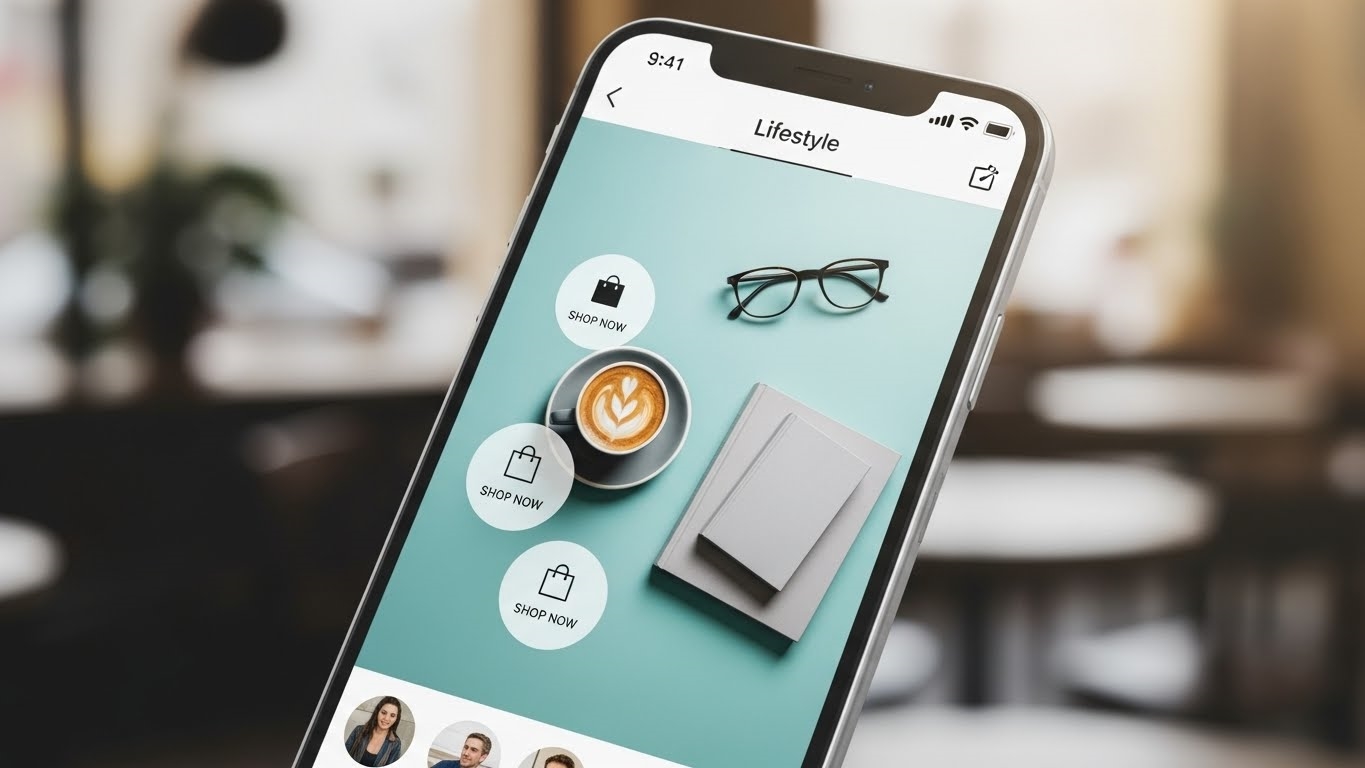
- Profile Control, Flexibility, and Shoppable Post Capabilities: Creators often value a clean, personalized profile aesthetic. This account type offers the flexibility to hide your category label (e.g., “Blogger,” “Artist”) and contact buttons, presenting a more streamlined public face. Furthermore, Creator Accounts integrate seamlessly with Instagram’s shopping features. You can tag products directly in your posts, Reels, and Stories, transforming your content into a direct pathway for monetization. This capability is vital for creators leveraging affiliate marketing, selling their own merchandise, or partnering with brands for sponsored content.
Creator Versus Business Accounts
While both Creator and Business Accounts offer enhanced functionalities over a personal profile, their distinctions are critical for choosing the right fit. It’s a matter of purpose and priority.

| Feature | Instagram Creator Account | Instagram Business Account |
|---|---|---|
| Profile Label | Optional: Can hide category label (e.g., “Blogger,” “Artist”) for a cleaner profile. | Mandatory: Displays business category (e.g., “Retail,” “Restaurant”) prominently. |
| Contact Options | Optional: Can hide contact buttons (email, phone) for a more personal feel. | Mandatory: Prominently displays contact buttons (email, phone, directions) for customer service. |
| Call-to-Action (CTA) Buttons | Focus on engagement: “Message,” “Email,” “Call.” Less emphasis on transactional CTAs. | Focus on transactions: “Shop Now,” “Book Now,” “Order Food,” “Reserve.” Designed for direct conversions. |
| Shoppable Features | Full access to product tagging in posts, Reels, Stories. Ideal for individual creators selling products or affiliates. | Full access to product tagging, Instagram Shop setup, and product catalogs. Geared towards brand sales. |
| Third-Party App Access | Retains access to a broader range of music and personal account features for content creation. | Restricted access to certain music libraries due to licensing for commercial use. Broader API access for business tools. |
The differences in profile labels and contact information options highlight the divergent philosophies. Creator Accounts lean towards a more personal, content-centric presentation, allowing creators to decide how accessible their direct contact information is. Business Accounts, conversely, prioritize immediate customer service and brand identification.
Variations in call-to-action (CTA) buttons further underscore this. A Creator Account might offer “Message” or “Email” to foster direct communication with fans, while a Business Account prominently features “Shop Now” or “Book Now” to drive conversions. Both account types share robust shoppable features, allowing product tagging, but the emphasis often differs. Creators might use it for affiliate links or personal merchandise, whereas businesses integrate it into a broader e-commerce strategy.

Finally, third-party application access is a significant, often overlooked, differentiator. Creator Accounts typically retain access to a wider array of music and creative tools that are often restricted for Business Accounts due to commercial licensing agreements. This ensures creators have the full palette of creative options at their disposal, crucial for producing engaging, trend-aligned content without legal hurdles. Understanding these nuances is key to leveraging Instagram effectively, whether you’re building a personal brand or managing a commercial enterprise.
Mastering Your Creator Account: Setup, Reversion, and Privacy
Unlocking the full potential of your presence on Instagram begins with the right account type. For content producers, the Creator Account is a robust toolkit, but navigating its setup, understanding how to revert, and acknowledging its inherent privacy structure are crucial. Let’s dissect the mechanics.

Activating Your Creator Profile
Transitioning to an Instagram Creator Account is a straightforward process, yet it’s the gateway to a suite of advanced features designed specifically for public figures, artists, and influencers. Think of it as upgrading your digital command center.
Here’s how to make the switch:

- Launch the Instagram application: Ensure you’re logged into the personal account you wish to convert.
- Access your profile: Tap your profile picture in the bottom-right corner.
- Engage the menu: Locate and tap the three-line menu icon in the top-right corner.
- Navigate to settings: Select “Settings and privacy” from the expanded menu.
- Find account tools: Scroll down and tap “Account type and tools.”
- Initiate the switch: Choose “Switch to professional account.”
- Select “Creator”: When prompted, clearly select “Creator” as your professional account type. This is distinct from a “Business” account.
- Define your category: Instagram will ask you to select a category that best describes your content or profession (e.g., Digital Creator, Artist, Blogger, Musician). This choice impacts discoverability and can be displayed on your profile.
- Review contact information: Decide whether to display your contact details (email, phone number) directly on your profile. This is optional but can be vital for collaborations.
- Confirm the transition: Follow the final prompts to complete the setup.
Once confirmed, you’ll immediately gain access to enhanced analytics, streamlined direct message management, and flexible profile controls. It’s an instant upgrade to your operational capabilities.
Reverting to a Personal Account
While the Creator Account offers significant advantages, there might be instances where reverting to a personal profile becomes necessary. Perhaps your content strategy shifts, or you simply prefer the anonymity of a private account. The process is just as simple as switching over.

To revert your Creator Account back to a personal profile:
- Open Instagram: Ensure you’re logged into the Creator Account.
- Go to your profile: Tap your profile picture.
- Access the menu: Tap the three-line icon in the top-right.
- Enter settings: Select “Settings and privacy.”
- Locate creator tools: Tap “Creator tools and controls.”
- Switch account type: Select “Switch account type.”
- Choose “Personal Account”: Confirm your decision to switch back.
Be aware that reverting means losing access to all Creator-specific features, including audience insights, advanced messaging filters, and shoppable post capabilities. Your profile will also lose its “Creator” label.

Understanding Creator Account Privacy
A fundamental aspect of the Instagram Creator Account is its inherent public nature. Unlike personal profiles, which can be set to private, a Creator Account must remain public. This is a non-negotiable trade-off for the powerful analytics and professional tools it provides.
Consider these implications:

- Public Visibility: All your posts, Reels, Stories, and profile information are accessible to anyone on Instagram, regardless of whether they follow you.
- No Follower Approval: You cannot approve or deny follower requests; anyone can follow a public account.
- Contact Information Control: While your profile is public, you retain control over whether your email address or phone number is displayed directly on your profile. You can choose to hide these details even with a public account.
- Direct Message Management: Your direct messages remain private between you and the recipient. The Creator Account’s “Primary” and “General” inbox filters help manage incoming messages, but the content of those messages is not public.
This public-by-design structure is what enables the rich audience insights and broad reach that creators need. It’s a calculated decision: sacrificing personal privacy settings for professional visibility and data-driven growth. For those whose livelihood depends on audience engagement and reach, this public stance is not a limitation, but a foundational requirement.
FAQ
What direct monetization features exist?
Creators access subscriptions, badges, bonus programs.
Are there legal content obligations?
Disclose sponsored posts; adhere to advertising standards.
How does one get verified?
Apply through settings; meet authenticity, notability criteria.
Does account type affect reach?
No, content quality, engagement drive reach.