pryanicom
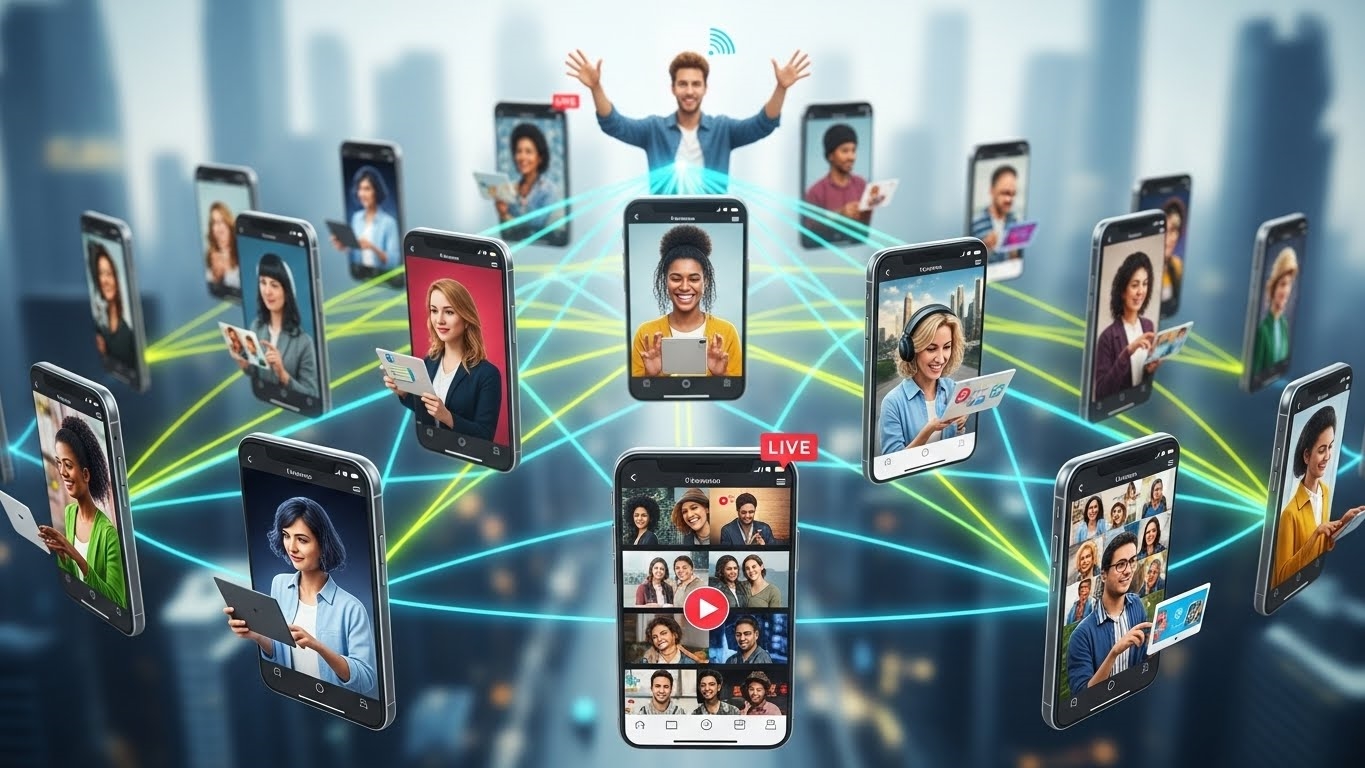
What if a single content format could not only capture attention but also directly fuel your revenue pipeline on the world’s premier professional network? Since its debut in 2017, LinkedIn Video has transformed engagement metrics, consistently generating hundreds of millions of impressions and demonstrably boosting revenue for forward-thinking brands. This isn’t just about passive views; it’s about qualified engagement that translates into tangible business outcomes, positioning video as an indispensable tool in any serious marketer’s arsenal in 2026.
To truly harness this potent medium, however, understanding its distinct manifestations is paramount. A haphazard approach wastes resources; a strategic one unlocks unparalleled reach and influence, ensuring your visual narrative resonates with the right professional audience.

Native vs. Embedded vs. Sponsored: Know Your Video
We distinguish three primary avenues for video content. Embedded videos are simply links to external platforms like YouTube, appearing within a post. While they offer reach, they lack the platform’s inherent advantages. The real game-changer is LinkedIn native video, uploaded directly to the platform. These autoplay in-feed, commanding immediate attention and fostering deeper interaction. Then there are LinkedIn video ads, sponsored content designed for precision targeting, pushing your message to specific professional demographics with unparalleled efficiency. Each type serves a unique purpose, demanding a tailored deployment strategy.
Seamless Sharing, Powerful Creation
Sharing native video is remarkably straightforward, whether you’re on desktop or mobile. The mobile experience, however, offers an undeniable edge: integrated in-app recording and editing features. This empowers creators to capture spontaneous moments or refine their message on the go, making professional-grade content creation more accessible and immediate than ever before.

Implementing LinkedIn Video: Technicalities and Campaign Flow
To truly harness the power of video on LinkedIn, moving beyond casual uploads requires a meticulous approach to both technical specifications and campaign orchestration. It’s not enough to simply have video; it must be optimized for the platform’s unique demands and strategically deployed to reach the right professional audience. This precision ensures your content resonates, whether it’s a native post designed for organic reach or a targeted ad campaign.
Understanding the granular details of video implementation is paramount for any marketer aiming to maximize their impact. Since its introduction in 2017, LinkedIn Video has proven to be a formidable tool for driving engagement and revenue, offering distinct advantages for both native uploads and sponsored content. Mastering the technical and management aspects discussed here directly contributes to maximizing the effectiveness of these video types and their overarching content strategy.

Technical Specs for Success
The foundation of any high-performing LinkedIn video lies in adhering to its technical specifications. These aren’t arbitrary rules; they’re guidelines designed to ensure optimal playback and user experience across various devices and network conditions. Overlooking these details can lead to pixelated visuals, truncated messages, or outright rejection by the platform.
For LinkedIn native video (uploaded directly to your profile or company page) and LinkedIn video ads, the requirements share common ground but also diverge in crucial areas, particularly concerning length and file size.

- Length: Native videos can span from a brisk 3 seconds up to a substantial 10 minutes. Video ads, while technically allowing up to 30 minutes, perform best when concise, often between 15-30 seconds for maximum impact and completion rates.
- File Size: Native uploads are generous, permitting files up to 5 GB. Video ads, however, are capped at a more restrictive 200 MB, emphasizing efficient compression without sacrificing quality.
- Orientation: Flexibility is key here. Landscape (16:9), portrait (9:16), and square (1:1) aspect ratios are all supported. Given that a significant portion of LinkedIn consumption happens on mobile, designing for square or vertical formats can significantly improve visibility and engagement within the feed.
- Resolution: Aim for clarity. A minimum resolution of 360p is required, but 720p or 1080p are highly recommended for a professional presentation.
- Supported Formats: MP4 is the gold standard, particularly with H.264 codec and AAC audio. Other formats like MOV, AVI, and WMV are often accepted, but MP4 ensures the broadest compatibility and highest quality retention.
Here’s a quick reference for core specifications:
| Specification | LinkedIn Native Video | LinkedIn Video Ads |
|---|---|---|
| Min Length | 3 seconds | 3 seconds |
| Max Length | 10 minutes | 30 minutes |
| Max File Size | 5 GB | 200 MB |
| Aspect Ratios | 16:9, 9:16, 1:1 | 16:9, 9:16, 1:1 |
| Min Resolution | 360p | 360p |
| Recommended Resolution | 720p, 1080p | 720p, 1080p |
| Preferred Format | MP4 (H.264, AAC) | MP4 (H.264, AAC) |
Campaign Manager: Your Launchpad
Once your video assets are technically sound, the next critical step for sponsored content is navigating LinkedIn’s Campaign Manager. This robust platform is where strategic intent transforms into actionable campaigns, allowing for granular control over every facet of your video ad’s deployment.
The process is structured, guiding you through key decisions:
- Objective Selection: Begin by defining your campaign’s primary goal. LinkedIn offers objectives tailored for video, such as Brand Awareness, Video Views, Website Visits, Engagement, and Lead Generation. Your choice here dictates the available bidding strategies and optimization levers.
- Target Audience Definition: This is where LinkedIn truly shines. Leverage its unparalleled professional data to pinpoint your ideal viewers. Target by job title, industry, company size, skills, seniority, groups, and even specific companies. Precision targeting ensures your video reaches decision-makers and relevant professionals, minimizing wasted ad spend.
- Budget Allocation: Set your daily or lifetime budget, then select a bidding strategy. Options range from automated bidding (letting LinkedIn optimize for your objective) to manual bidding (giving you more control over cost per view or click). Experimentation and A/B testing are crucial here to discover what yields the best ROI for your specific goals.
Beyond these initial setup steps, Campaign Manager provides comprehensive analytics, allowing you to monitor video view rates, completion rates, click-through rates, and conversions in real-time. This data is invaluable for iterative optimization, ensuring your campaigns continuously improve.
Streamlining with External Tools
While LinkedIn’s native tools are powerful, integrating with third-party platforms can significantly streamline your video content management, especially for teams handling multiple accounts or diverse content calendars. Tools like Hootsuite offer a centralized hub for managing your LinkedIn video presence.
- Scheduling: The ability to schedule native video posts in advance is a game-changer for maintaining a consistent content flow without constant manual intervention. This ensures your audience receives fresh content regularly, even during off-hours.
- Performance Tracking: Consolidate analytics from LinkedIn and other platforms into a single dashboard. This holistic view simplifies reporting and helps identify cross-platform trends, informing your broader content strategy.
- Adherence to Technical Requirements: Some advanced tools can even offer pre-upload checks or recommendations, flagging potential issues with file size or format before you publish, saving valuable time and preventing errors.
By leveraging these external platforms, marketers can enhance efficiency, ensure compliance with technical specifications, and gain deeper insights into their video performance, ultimately amplifying their professional storytelling efforts on LinkedIn.
Crafting High-Impact LinkedIn Video Content
Transforming raw footage into compelling LinkedIn video demands a strategic approach, focusing on both technical finesse and content resonance. It’s not enough to simply upload; the goal is to captivate, inform, and drive action. The journey begins long before you hit record, with a meticulous setup that lays the groundwork for professional delivery.
Optimize Your Video Production Setup
First impressions are everything. Your video’s technical quality speaks volumes about your brand. Lighting is paramount: aim for soft, even illumination that eliminates harsh shadows. A simple ring light or natural window light can make a dramatic difference. Next, consider your camera: while a smartphone can suffice, especially newer models, dedicated cameras offer superior control and image fidelity. Crucially, ensure your audio is crisp and clear; an external lavalier microphone, even an affordable one, will outperform most built-in camera mics. Finally, your background should be clean, uncluttered, and professional, reflecting your brand’s aesthetic without distracting from your message.
Design for Viewer Engagement
Once the technical foundation is solid, turn your attention to the viewer experience. The LinkedIn feed is a fast-paced environment, so capturing attention early is non-negotiable. The first 3-5 seconds must deliver a hook – a provocative question, a striking visual, or a bold statement. Remember, a significant portion of LinkedIn users consume content with sound off. This means your video must tell its story visually, relying on strong imagery, text overlays, and dynamic cuts. Closed captions are not optional; they are essential. They ensure accessibility and comprehension for all viewers, regardless of their environment or hearing ability. Varying your shots – from wide to close-up, incorporating B-roll or screen shares – keeps the visual narrative engaging and prevents viewer fatigue.
Regarding video length, precision is key. While LinkedIn allows for longer uploads, optimal engagement often correlates with brevity. Aim for 30-90 seconds for quick updates or tips, extending to 2-3 minutes for more detailed explainers or interviews. For truly in-depth content, consider a series or direct viewers to a longer piece elsewhere. Every video, regardless of length, needs a strong, clear call to action (CTA). What do you want your audience to do next? “Visit our website,” “Download the report,” “Connect with me,” or “Register for our webinar” – make it explicit.
Amplify Reach and Interaction
Creating exceptional video is only half the battle; ensuring it reaches and resonates with your audience is the other. Your supporting copy is critical. It provides context, poses questions to spark discussion, and includes relevant hashtags to boost discoverability. Don’t underestimate the power of explicitly using the word “video” in your promotional text; it signals to users that rich media awaits, often increasing click-through rates. Finally, active engagement with comments is non-negotiable. Respond thoughtfully, ask follow-up questions, and foster a community around your content. This not only boosts visibility through LinkedIn’s algorithm but also builds genuine connections.
Strategic Content Categories
To truly leverage LinkedIn video, align your content with specific strategic objectives. Three primary categories consistently deliver value:
Brand Storytelling and Culture
These videos humanize your organization. Think behind-the-scenes glimpses into your operations, employee spotlights showcasing team members and their expertise, or narratives that articulate your company’s values and mission. This content builds trust and attracts talent.
Product and News Updates
Position your brand as an industry leader with informative content. This includes product launches and demonstrations, explainer videos that simplify complex concepts, and timely news updates or insights into industry trends.
Event-Driven Content
Extend the reach and impact of your events. Share previews and teasers to build anticipation, provide live coverage snippets during the event, and create post-event recaps to share key takeaways and reinforce your brand’s presence.
| Content Type | Suggested Length (Seconds) | Primary Goal | Example CTA |
|---|---|---|---|
| Quick Tip/Update | 30-60 | Drive immediate insight/awareness | “Learn more,” “Share your thoughts” |
| Explainer/Demo | 90-180 | Educate, showcase value | “Download the guide,” “Request a demo” |
| Employee Spotlight | 60-120 | Build trust, attract talent | “Connect with our team,” “View careers” |
| Event Teaser/Recap | 45-90 | Generate interest, extend event impact | “Register now,” “Watch full recap” |
By meticulously optimizing your production, designing for the platform’s unique consumption habits, and strategically categorizing your content, your LinkedIn video efforts in 2026 will not just be seen, but truly felt.
FAQ
What advanced metrics gauge video success?
Analyze watch time, unique viewers, audience demographics, engagement rate.
What legal issues affect video content?
Address copyright, music licensing, privacy, accessibility compliance.
How can video content be repurposed effectively?
Extract short clips, create audiograms, use stills for image posts.
How does AI assist video creation?
AI aids scriptwriting, generates captions, optimizes editing, suggests content ideas.