pryanicom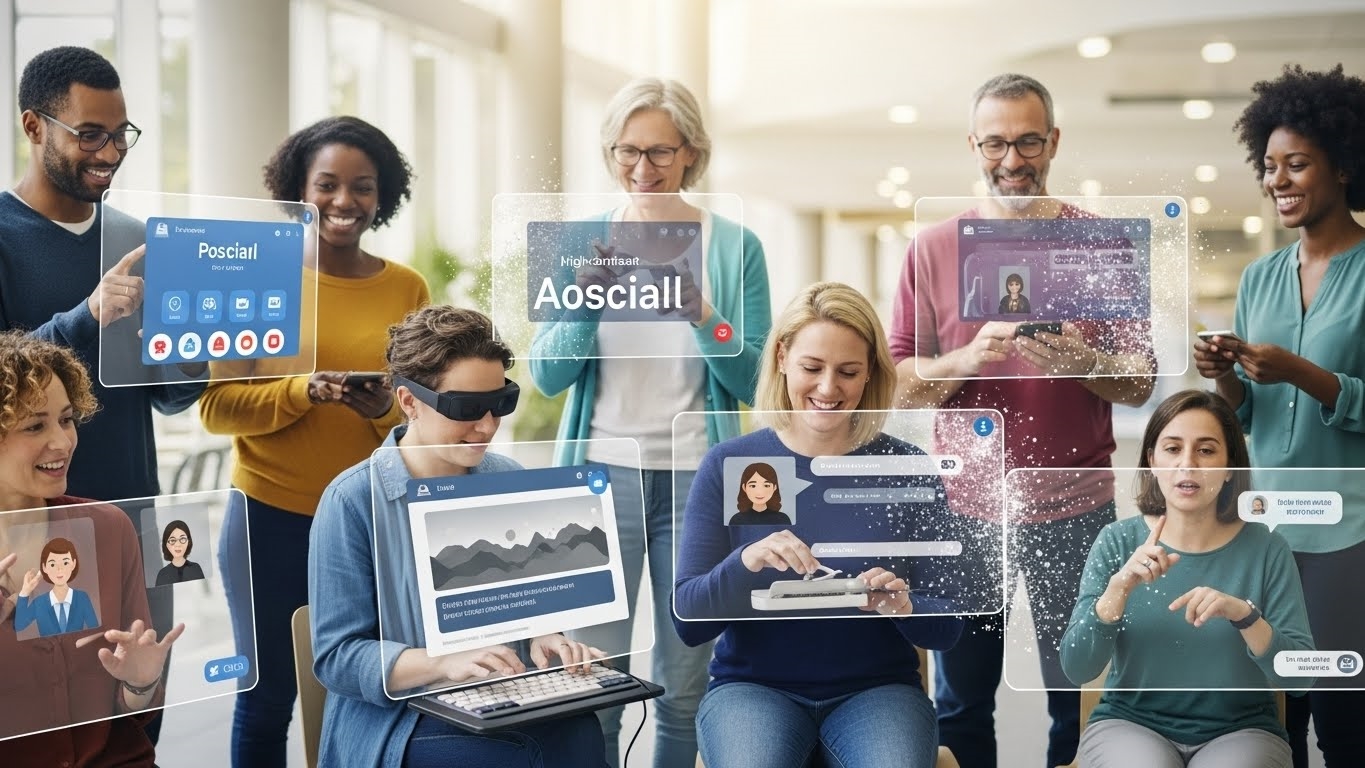
Imagine a world where your most compelling content, your groundbreaking campaigns, simply don’t exist for a significant portion of your audience. This isn’t a hypothetical future; it’s the stark reality for millions navigating social platforms without inclusive design. In 2026, as digital interactions deepen their hold on commerce and community, ignoring accessibility is akin to building a magnificent storefront with no ramp for entry.
This isn’t merely about compliance; it’s about digital citizenship and unlocking the full, vibrant potential of every connection. At its heart, inclusive design for social media means crafting experiences that are usable and enjoyable by everyone, regardless of ability. It’s a proactive approach, baked into the very fabric of content creation, ensuring that visual impairments, hearing loss, cognitive differences, or motor limitations don’t become invisible walls.

The critical importance of social media accessibility
The imperative for accessibility extends far beyond altruism. It’s a strategic cornerstone for any brand aiming for genuine reach and resonance. Consider the sheer scale: globally, over 1.3 billion people experience significant disability. Excluding them from your social narrative isn’t just a missed opportunity; it’s a profound misstep that impacts market share and brand perception.
Legal mandates and universal benefits of social media accessibility
The legal framework is clear and tightening. Landmark legislation like the Americans with Disabilities Act (ADA), originally enacted in 1990, continues to evolve its interpretation for the digital realm, often referencing Web Content Accessibility Guidelines (WCAG) standards. Non-compliance isn’t just a moral failing; it’s a legal liability, with a rising tide of lawsuits demonstrating the financial and reputational costs. Yet, the true power of accessibility lies in its universal benefits. Captions, initially for the hearing impaired, now serve commuters in noisy environments or those watching videos silently. High-contrast text benefits not only the visually impaired but also anyone viewing content in bright sunlight. Designing for the edges of human experience ultimately optimizes for the center, creating a richer, more robust experience for all.
Practical Strategies for Inclusive Social Content
Crafting social media content that truly resonates means building bridges, not barriers. It’s about ensuring every piece of information, every visual, and every interaction is available to the widest possible audience. This isn’t merely a compliance checklist; it’s a fundamental shift towards a more equitable and effective communication strategy. Ultimately, the goal is to dismantle barriers, ensuring everyone can engage with and benefit from the rich tapestry of information and connection available on social platforms. Let’s dive into the actionable tactics that make this a reality.
Crafting Effective Alt Text for Social Media
Alternative text, or alt text, is the unsung hero of visual accessibility. It provides a textual description of an image for users who cannot see it, whether due to visual impairment, slow internet, or browser settings. Think of it as painting a picture with words.
- Be Descriptive, Be Concise: Focus on the purpose and content of the image. What information does it convey? What emotion does it evoke?
- Avoid Redundancy: Don’t start with “Image of…” or “Picture shows…”. Screen readers already announce it’s an image.
- Context is King: A photo of a coffee cup might be “A white ceramic mug with steam rising from dark coffee” or, if it’s part of a campaign, “A white ceramic mug featuring our new brand logo, steam rising from dark coffee, on a wooden desk.”
Here’s a quick comparison:
| Ineffective Alt Text | Effective Alt Text |
|---|---|
Dog |
Golden retriever puppy playing with a red squeaky toy |
Team meeting |
Five diverse team members collaborating around a conference table, smiling |
Graph |
Bar chart showing Q3 sales increase by 15% across all regions |
Integrating Video Captions for Enhanced Social Media Accessibility
Video content without captions is a closed door for millions. Captions aren’t just for those with hearing impairments; they benefit anyone watching in a noisy environment, without sound, or who simply prefers to read along.
- Accuracy is Paramount: Auto-generated captions are a starting point, but always review and edit them. Misinterpretations can lead to confusion or even misrepresentation.
- Synchronized and Clear: Captions must appear in sync with the audio and be easy to read. Use clear, sans-serif fonts and sufficient contrast.
- Identify Speakers: For videos with multiple speakers, clearly indicate who is speaking.
[Sarah]: That's a great point. - Include Non-Speech Elements: Crucial sound effects or music cues should be noted in brackets, e.g.,
[Upbeat music plays],[Door slams].
Writing Accessible Text for Social Media Engagement
The words themselves need to be accessible. Simple, direct language benefits everyone, but specific formatting choices can make a profound difference.
- Avoid All Caps: Text in all capital letters is difficult to read and can be interpreted as shouting by screen readers.
- Use CamelCase for Hashtags:
#AccessibleSocialMediais far more readable for screen readers than#accessiblesocialmedia. - Clear Link Text: Instead of “Click here,” use descriptive link text that explains where the link leads, e.g., “Read our full accessibility guide.”
- Paragraph Breaks: Break up long blocks of text into shorter, digestible paragraphs.
- Emoji Placement: Use emojis sparingly and place them at the end of sentences or phrases, not mid-word. Screen readers will read out each emoji’s description.
Designing Accessible Visuals for Social Media
Visuals are powerful, but their design choices can inadvertently exclude.
- High Contrast Ratios: Ensure sufficient contrast between text and background colors. Tools exist to check WCAG (Web Content Accessibility Guidelines) compliance for color contrast.
- Legible Fonts: Choose clear, sans-serif fonts at a readable size. Avoid overly decorative or thin fonts.
- Text in Images: If text is essential to an image, ensure it’s also present in the alt text or as plain text in the post itself. Ideally, minimize text within images.
- Color Alone is Not Enough: Don’t rely solely on color to convey information. For example, use patterns or icons in addition to color in charts.
Making Memes and Emojis Accessible on Social Media
Even the most informal content, like memes and emojis, can be made accessible with a little thought.
- Describe the Meme: For memes, the alt text or post description should explain the visual context and the humor. What’s the image? What’s the text overlay? What’s the cultural reference?
Example Alt Text for a meme: “Distracted Boyfriend meme: A man walking with his girlfriend turns to stare at another woman. The girlfriend looks annoyed. Text on the man: ‘My Attention,’ on the girlfriend: ‘My Work,’ on the other woman: ‘New Shiny Idea.’”
- Thoughtful Emoji Use: While emojis add personality, excessive use can overwhelm screen reader users. Each emoji is read aloud. Consider if
- Contextual Emojis: Use emojis that accurately reflect the sentiment. A
By integrating these practical strategies, your social media presence transforms from merely visible to truly inclusive, fostering deeper connections and broader reach.
Empowering Accessibility: Tools and Feedback Loops
Achieving truly inclusive social media presence extends beyond initial content creation; it demands a dynamic, ongoing commitment to refinement. This means not only leveraging the sophisticated features platforms provide but also actively seeking and integrating user feedback, alongside employing specialized tools that elevate our accessibility game. It’s an iterative process, a continuous loop of creation, evaluation, and enhancement.
Platform-Specific Accessibility Features
The major social media platforms have made significant strides in embedding accessibility directly into their interfaces. Understanding and diligently utilizing these built-in functionalities is the first critical step. These aren’t mere afterthoughts; they are powerful mechanisms designed to broaden your reach.
- X (formerly Twitter): Beyond the well-known alt text for images, X allows for detailed image descriptions, which can be composed directly when uploading media. Video uploads support caption files, ensuring spoken content is accessible.
- Instagram & Facebook: Both platforms offer robust alt text fields for images and video captioning options. While auto-generated captions are a starting point, always review and edit them for accuracy. Facebook also provides options for adding video descriptions.
- LinkedIn: For professional content, LinkedIn supports alt text for images and offers captioning for video uploads. Crucially, its document sharing features often include accessibility checkers, prompting creators to ensure PDFs and presentations are readable by assistive technologies.
- TikTok: This platform, while visually driven, includes auto-captions for videos and allows creators to add text overlays, which can describe visual elements or reinforce spoken content.
- YouTube: As the premier video platform, YouTube provides comprehensive tools for manual and auto-generated captions, transcript uploads, and even audio descriptions for visual content, catering to a wide spectrum of access needs.
The key here is not just knowing these features exist, but making their use a non-negotiable part of your content workflow. Auto-generated captions, for instance, are a fantastic baseline, but their accuracy can vary wildly depending on audio quality, accents, and technical jargon. Always allocate time for human review and correction.
Feedback for Continuous Improvement
No matter how meticulously you plan, genuine accessibility is best achieved through direct engagement with the people you aim to serve. Embracing feedback is not just good practice; it’s essential for uncovering blind spots and driving meaningful change.
- Solicit Actively: Create clear channels for feedback. This could be a dedicated email address, a form on your website, or even a regular prompt in your social media posts asking for input on accessibility.
- Listen and Learn: When feedback arrives, approach it with an open mind. Users with disabilities are the experts in their own experiences. Their insights are invaluable, often highlighting issues that automated checkers or internal reviews might miss.
- Iterate and Communicate: Don’t just collect feedback; act on it. Prioritize issues, implement changes, and, crucially, communicate back to your community about the improvements you’ve made. This transparency builds trust and encourages further engagement. Consider setting up a small, diverse user testing group to regularly review your content before wider publication. Their real-world interaction with your posts using assistive technologies can provide unparalleled insights.
Essential Tools and Resources
Beyond platform-specific features, a suite of external tools and resources can significantly bolster your accessibility efforts. These range from simple checkers to comprehensive auditing solutions.
| Tool Category | Example Tools/Resources | Primary Function |
|---|---|---|
| Color Contrast Checkers | WebAIM Contrast Checker, Adobe Color | Ensures text and graphic elements meet WCAG contrast ratios for readability, especially for users with low vision or color blindness. |
| Alt Text Generators/AIs | Microsoft Azure Cognitive Services (via third-party tools) | Provides AI-driven suggestions for image descriptions, though human review is always paramount for accuracy and context. |
| Captioning Services | Rev.com, Happy Scribe, Trint | Professional transcription and captioning services for video and audio, offering higher accuracy than many auto-generated options. |
| Screen Readers (for testing) | NVDA (Windows), JAWS (Windows), VoiceOver (macOS/iOS) | Simulates the experience of users who rely on screen readers, allowing you to test how your content is perceived and navigated. |
| Accessibility Audit Tools | Lighthouse (Chrome DevTools), axe DevTools | Automated tools that scan web content (including embedded social media elements) for common accessibility violations and provide actionable recommendations. |
| Learning & Guidelines | W3C Web Content Accessibility Guidelines (WCAG) | The foundational international standard for web accessibility, providing detailed criteria and success metrics. |
Integrating these tools into your workflow transforms accessibility from a reactive task into a proactive, embedded practice. For instance, before publishing any visual, a quick check with a contrast tool ensures compliance. Similarly, running your drafted text through a readability checker can help simplify complex language, benefiting a broader audience. Remember, technology is an enabler, but human oversight and empathy remain the most powerful tools in your accessibility arsenal.
FAQ
What are specific legal repercussions for non-compliance?
Non-compliance risks lawsuits, significant fines, reputational harm. A 2017 case against a major retailer highlighted this.
How do teams integrate accessibility into workflows?
Teams embed accessibility checks into content creation, review processes, staff training.
How does accessibility benefit neurodivergent audiences?
Clear structure, predictable design, reduced cognitive load assist neurodivergent users.
What metrics gauge accessibility effectiveness?
Metrics include WCAG compliance scores, user task completion rates, assistive technology compatibility.